
I just launched V2 of my project 'Who's That Pokémon?'
2 min readI just launched V2 of my project 'Who's That Pokémon?'.
Nov 3, 2021
Hello dev! Here’s a selection of VSCode extensions to help you day to day and make you more productive.
Before we can improve our productivity, we first need data on where it stands. To get that data, I know these three extensions:
Just like Code Time, this extension helps you measure your activity while you develop day to day: how much you work in each language and plenty of other information.
Besides having an animal paw as its icon, which is surely very cute lol, it gives you a dashboard of how you work day to day, which hours you’re most productive, among other information.
The same creators of Code Time built this extension to help you reach your challenges, earning badges with every achievement.
Something that keeps me very productive day to day is using shortcuts to build standard code, for example creating React components, style files, or an API configuration file.
For React and React Native development, there are these 2 extensions from Rocketseat:
Rocketseat ReactJS
Rocketseat React Native
The shortcuts I use the most are:
Each extension’s page has a list of the available commands.
When we open an .svg in VSCode it shows us its code, but most of the time we want to see the image itself, and that’s what this extension does.
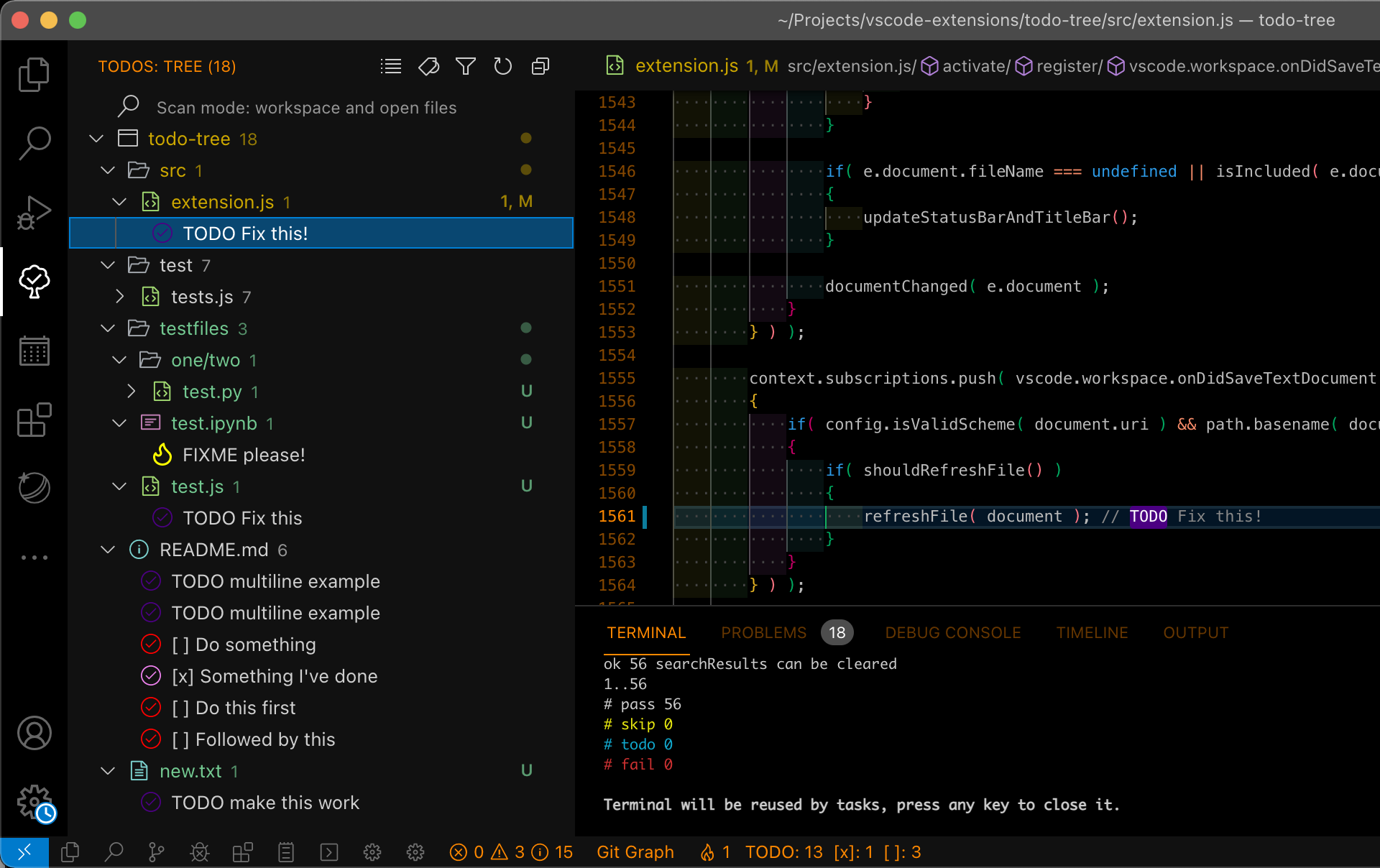
This is an extension I really like, to leave comments in my code about things I still have to implement so I don’t forget any rule. Just add a comment like // TODO: or // FIXME: and the extension highlights it, making it more visible and harder to forget when you review your changes before pushing. It also builds a tree with the files where you added them.
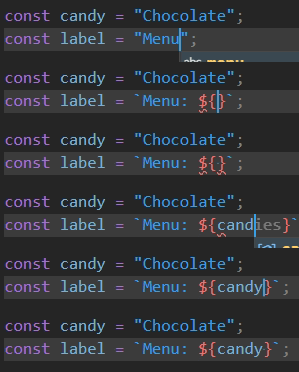
With modern JS we can easily concatenate strings using Template Literals, but it can be annoying to keep switching from quotes to backticks, and this extension helps with that: as soon as you type ${} inside quotes, they change to backticks.
You know when we forget to open or close a parenthesis or brace and can’t figure out where it goes?! This extension gives a different color to each open and close pair, making it easier to find what’s missing.

I believe this extension has the same goal as Brackets Pair, but with a different way of visualizing it. It draws a border around each open and close pair, making it a bit easier to find where a parenthesis or brace is missing and also making each block easier to see.
In day-to-day web development we change lots of tags, and renaming both the opening and closing tag can get repetitive. This extension helps with that: when you change one tag, the other is changed automatically too.

Most of the time when building websites and apps we use hexadecimal or rgb colors, which makes it hard to tell what the color is. This extension highlights the color code with the color itself.
Working with someone on the same bug, or building something collaboratively? This extension lets both of you share a single VSCode.
Since we spend the whole day looking at VSCode, we can make it look more like us. Here are some cool extensions I picked out.
VSCodeThemes - Preview Visual Studio Code Themes.
Omni Theme - Visual Studio Marketplace
Ballerini Theme - Visual Studio Marketplace
Material Theme Icons - Visual Studio Marketplace
Pink-Cat-Boo Theme - Visual Studio Marketplace
Nyan Cat - Visual Studio Marketplace
Power Mode - Visual Studio Marketplace
Clippy - Visual Studio Marketplace
And you, which extensions do you use the most? Leave them in the comments and see you next time. 😄
I just launched V2 of my project 'Who's That Pokémon?'.
Websites, newsletters and podcasts every dev should know.
How to shut down RDS on AWS to optimize costs.